Occasions
How to share wedding photos with all your guests, no app, no account
Your photographer delivered the wedding photos and videos to Google Drive. Here is the simplest way to share them with every guest, with no app to install and no account to create.
Sofia Marchetti
Content lead at Galrivo··3 min read
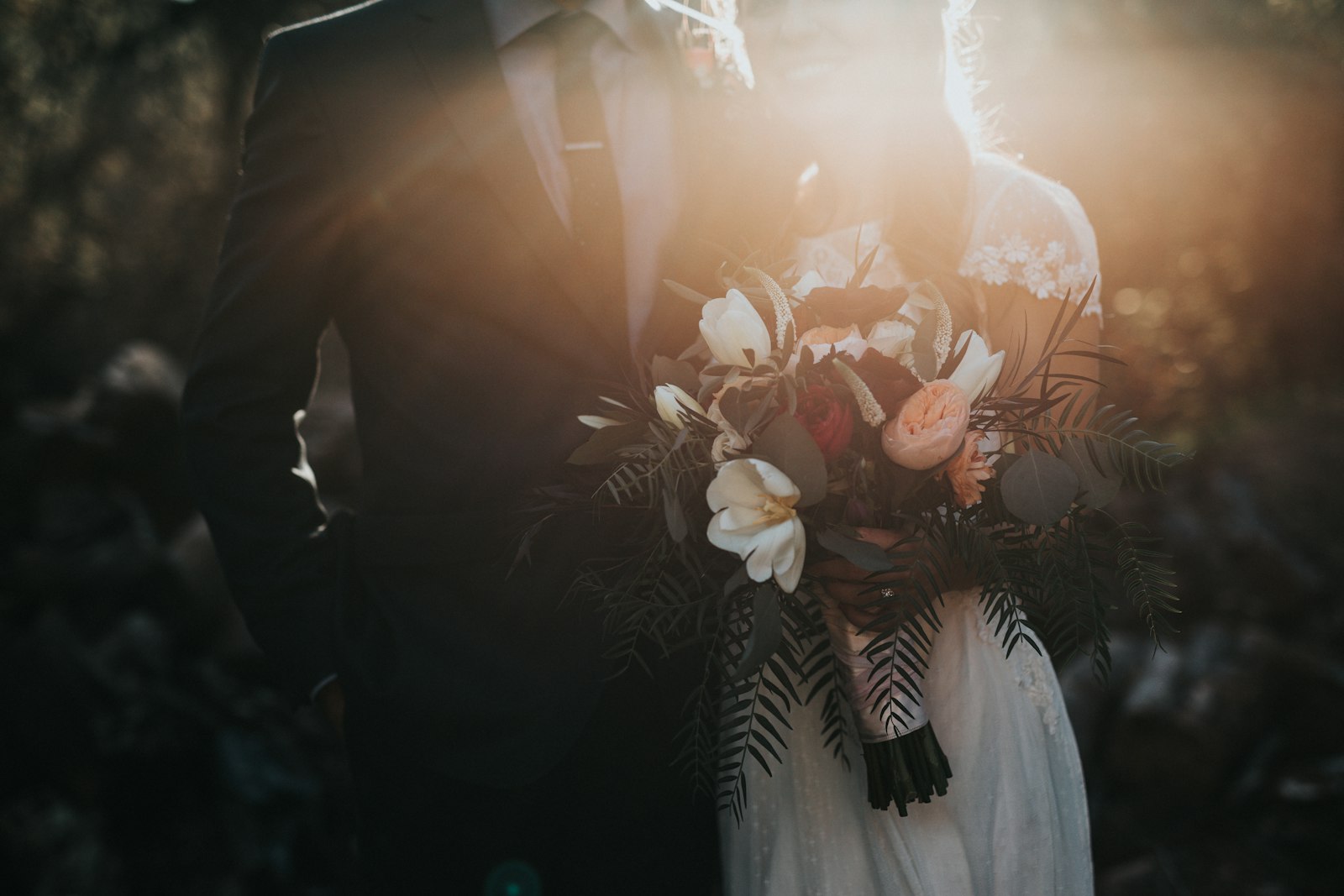
The wedding is over, the photos are gorgeous, and they arrived from your photographer as a Google Drive folder. Now everyone wants to see them: both families, the friends who travelled, the guests who keep asking in the group chat. Sharing with that many people, of all ages and all devices, is its own small project. It does not have to be.
What your guests actually need
- To open one link and just see the photos, with no app to install.
- To not have to create an account or sign in to anything.
- For it to work on whatever phone or laptop they happen to have.
- To save their favourites, if you are happy for them to.
Hold every option up against that list and the right choice gets obvious.
The common options, honestly
The raw Drive folder
You can set the photographer's folder to "Anyone with the link" and send it round. It works, but guests land in a file browser, older relatives get confused by the Drive interface, and there is no password if you would rather not have the whole internet able to open it.
Wedding guest-upload apps
QR-code apps that let guests upload their own snaps are lovely for collecting candids on the day. They are less suited to sharing the photographer's finished gallery afterwards, and many ask guests to install or sign up.
A gallery link from the Drive folder
This is the sweet spot for the official photos. Point a gallery at the photographer's Drive files and share one beautiful link.
Sharing the official gallery with Galrivo
Point Galrivo at the photographer's folder
If the photos are in your Drive, pick them. Nothing uploads, so even a huge wedding set is ready in moments.
make a gallery
Pick your media.








Add a wedding theme and a cover
Choose a look that suits the day and set your favourite shot as the cover.
Featured themes
Browse allClassic
Editorial
Noir
Decide on a password and downloads
Add a password to keep it to guests, and let people download so they can keep their favourites or the whole set.
Share the one link
Send it in the wedding group, by email, or print a QR code on a thank-you card.
Share or scan
Show the QR code, save it, or send the link on WhatsApp, Messages, Email and more.
Want the guests' photos too?
Let guests keep the memories
The couple sent one link in the family group. Within an hour both sets of grandparents had seen every photo, on their own phones, without a single "how do I open this" message.
Key takeaways
- Guests want one link, no app, no account, on any device.
- A raw Drive folder works but confuses non-technical guests and has no password.
- Guest-upload apps suit candids, less so the photographer's finished gallery.
- A Galrivo gallery from the Drive folder gives a clean link with optional password and downloads.
Frequently asked questions
Share your media the easy way
Turn the photos and videos in your Google Drive into one clean link, with a password and an end date if you want. Free to start, no app for the people you send it to.
Make my first gallerySofia Marchetti
Content lead at Galrivo
Sofia leads content at Galrivo and owns the big occasion guides. She has helped friends share more wedding and holiday albums than she can count.