Occasions
How to share newborn and baby photos privately with family
New parents want grandparents to see every photo, but not the whole internet. Here is how to share newborn and baby photos and videos privately, with a password and no public posts.
Ananya Iyer
Customer success at Galrivo··2 min read
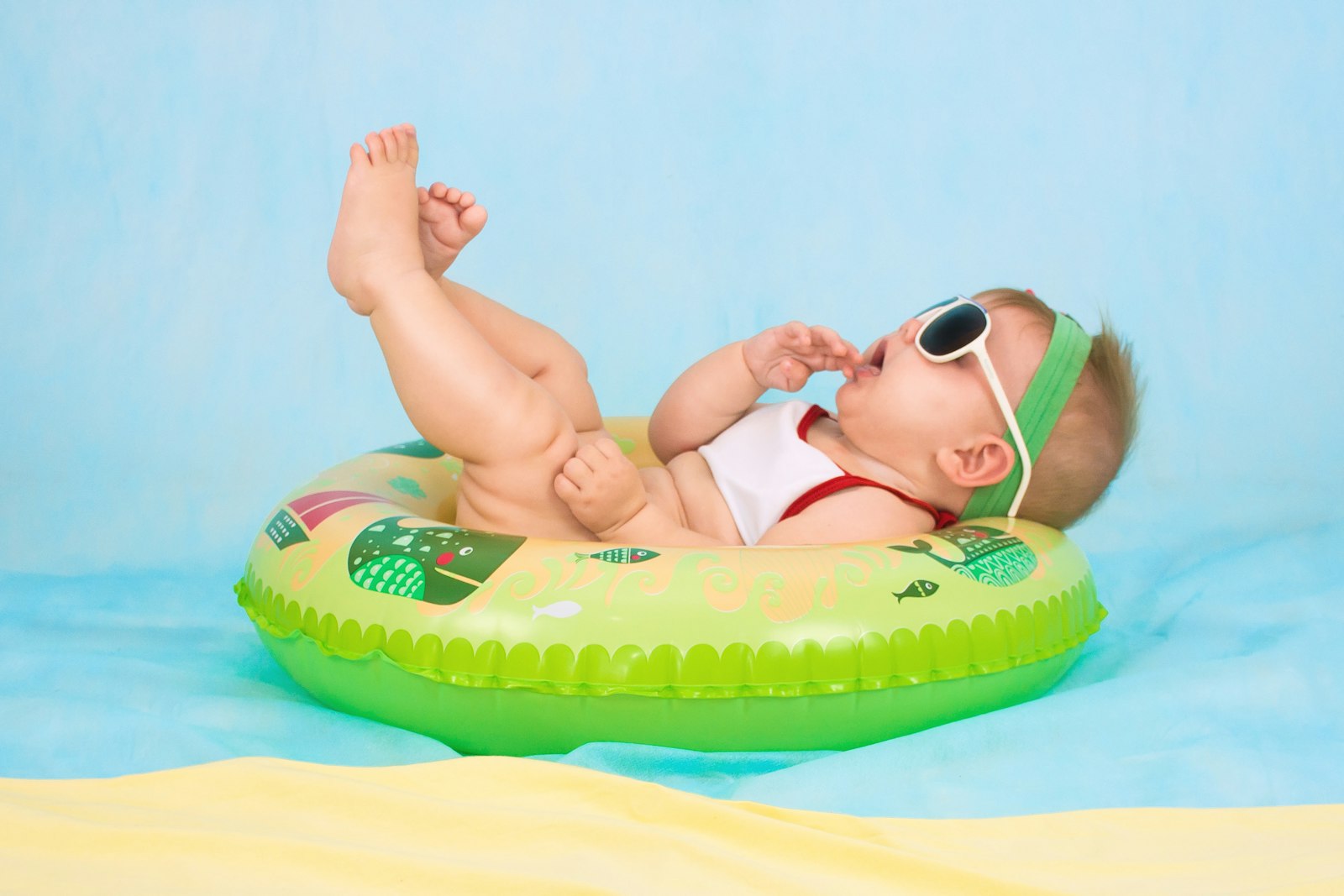
A new baby brings a flood of photos and a tricky question: how do you let the grandparents, aunts, and close friends see them all, without posting your child's face to the whole internet? Many new parents do not want social media in the picture at all. The answer is a private share that is easy for family and closed to everyone else.
Why families step away from social media for this
- Once a photo is on a public feed, you lose track of where it goes.
- Not every relative is on the same app, so someone is always left out.
- Many parents simply prefer their child's early photos to stay among people they trust.
A private gallery solves all three: one link, password protected, that works for grandparents on a tablet and cousins on a phone alike.
A private baby gallery in a few minutes
If your photos and videos are in Google Drive, you can share them privately without uploading them anywhere new:
Pick the photos and clips
Choose the ones for family from your Drive. You can add more every week as the baby grows.
make a gallery
Pick your media.



Turn on a password
Set a simple password and share it only with close family. A forwarded link is then useless without it.
Keep it off search engines
A private gallery link is never listed on Google. It is meant only for the people you send it to.
Send the link to family
One message to the family group, or a QR code on the fridge. They tap and see everything, no account needed.
Share or scan
Show the QR code, save it, or send the link on WhatsApp, Messages, Email and more.

Add as the months go by
Privacy that is built in
Key takeaways
- A private gallery lets all your family see the baby without a public post.
- A password means a forwarded link does not open for strangers.
- Private galleries are not listed on Google search.
- Keep one growing gallery for the first year and add to it any time.
Frequently asked questions
Share your media the easy way
Turn the photos and videos in your Google Drive into one clean link, with a password and an end date if you want. Free to start, no app for the people you send it to.
Make my first galleryAnanya Iyer
Customer success at Galrivo
Ananya helps Galrivo users every day and writes guides straight from the real questions families ask about keeping shared memories private.