Occasions
How to share holiday and travel photos with friends back home
Back from a trip with a Drive full of photos and videos? Here is how to share holiday and travel media with friends and family without huge uploads or a dozen group-chat dumps.
Leo Fernandes
Writer at Galrivo··2 min read
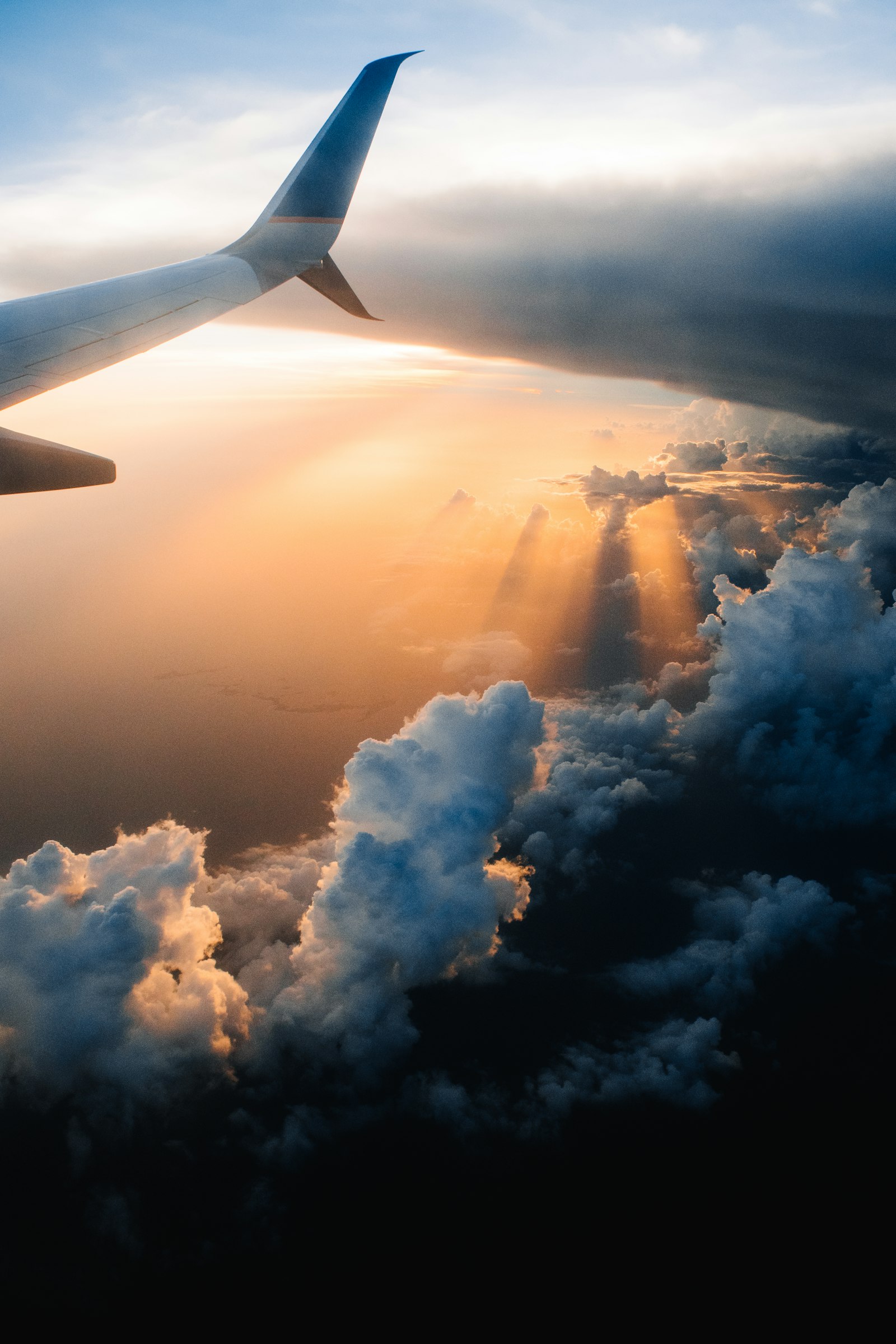
Few things kill a great trip's afterglow like the chore of sharing the photos. You come home with eight hundred shots and a handful of long videos, and the group chat wants to see them. Dump them all in and you flood everyone's phone. Send a few and you leave out the best ones. There is a calmer way.
Why group chats are the wrong home for a trip
- Chat apps compress your photos, so that golden-hour shot arrives looking flat.
- Long videos are too big to send, or get squeezed into a blur.
- Eight hundred images turn the chat into an unscrollable wall.
- Six months later, nobody can find anything.
One link beats a hundred messages
If your trip photos and videos are in Google Drive, the move is to share them as a single gallery link. Friends open it, scroll the whole trip in order, watch the clips in a real player, and save the ones they want. No flood, no compression, no missing shots.
Galrivo builds that gallery straight from your Drive. Because nothing uploads, even a big trip with heavy 4K clips is ready quickly, and the videos stream on demand rather than forcing anyone to download gigabytes.
Pick the trip's best media
Choose the keepers from your Drive. A quick cull makes the gallery a joy rather than a marathon.
make a gallery
Pick your media.





Order it like the journey
Arrange the photos and clips in the order the days happened, so the gallery tells the story.
Add a travel theme
Pick a look that suits the trip. It sets the cover, fonts and colours in one tap.
Featured themes
Browse allClassic
Editorial
Noir
Copy the link and share
Drop it in the group chat. One tap and everyone is there, on any phone.
Public link
Travelling in a group?
Keep some shots just for the crew
Key takeaways
- Group chats compress photos, choke on big videos, and bury the best shots.
- A single gallery link shows the whole trip in order at full quality.
- Galrivo builds it from your Drive with no upload, even for heavy 4K clips.
- Pool everyone's photos in one Drive folder for a group trip gallery.
Frequently asked questions
Share your media the easy way
Turn the photos and videos in your Google Drive into one clean link, with a password and an end date if you want. Free to start, no app for the people you send it to.
Make my first galleryLeo Fernandes
Writer at Galrivo
Leo is a writer at Galrivo and a keen amateur photographer. He covers travel, video, and getting your best shots in front of the people who matter.